Switching to a new Customer Communication Management (CCM) platform? The next step is to tackle what often appears like the real challenge in this complex project.
Moving off a legacy system typically is like untangling a web of old templates, approvals, dependencies and compliance rules. It can be tempting to just recreate the same structure in the new system and hope for smoother results, but that rarely works. You end up dragging yesterday’s problems into a tool that was supposed to solve them.
Whether you’re moving to Quadient Inspire or another modern communication solution, CCM migration and processes modernisation is more than a technical switch, but your chance to leave behind outdated processes and build faster, smarter, compliant communications.
In this article we explain how to make that happen without turning it into a year-long headache. Learn how to transition smoothly while accelerating your speed to market.
1. Don’t Migrate Everything. Migrate What’s Useful.
Legacy CCM systems store thousands of outdated templates. Our best advice for massive communication system: don’t transfer all of them at ones.
Instead, treat data migration like a spring-clean. Start by reviewing what’s still being used, what’s outdated and what’s just taking up space.
Ask straightforward: does this template support our customer experience today? Or is it just dead weight?”
Focus on what still matters for customer communication management workflow and take fair actions:
- Identify what makes your business move – channels and logics;
- Remove duplicates on templates;
- Distinguish simple templates from communications with complex rules, integrations, or manual steps;
- Eliminate broken or non-compliant workflows.
This is your moment to leave behind patchy messaging, mismatched formats and manual workarounds. Moving only what matters helps reduce complexity and significantly speeds up your migration from obsolete systems.
2. Map Dependencies Before They Break Something
CCM communications do not exist in isolation. They pull data from other systems like CRMs and ESPs, follow approval flows and feed into archiving or delivery tools. If these connections aren’t mapped properly, they tend to create delays, errors, or compliance risks that surface when it’s too late to fix them easily.
Our advice: Speak to the people who work with the content daily – from business users and legal teams to compliance officers. They’re the ones who understand the practical dependencies, the informal workflows and the nuances that might otherwise be overlooked.
Take the time to map where data comes from, who owns what, how sign-offs happen and how outputs are delivered.
If you ignore these connections, your migration from legacy platforms can break essential flows.
A well-structured migration plan starts with a shared, cross-functional view of these interdependencies. Without it, even the best-designed system can stall at the first approval gate.
To sum up this step, proactive migration from legacy system should include:
✅ Interviewing legal, compliance and customer service teams;
✅ Documenting data sources, approval chains and delivery paths;
✅ Looking beyond technical diagrams (they rarely show the full picture);
✅ Assigning an owner to every dependency, including data feeds, approval steps, integrations, archives and delivery channels;
✅ Mapping exception and failure paths before migration begins.
While assessing those points, don’t forget assigning an owner to every dependency, like data feed, approval step, integration, archive and delivery channel. Clear ownership makes it easier to approve changes and react quickly when an integration or process does not behave as expected. Without it, even a minor issue can remain unresolved because no team is clearly responsible for the affected part of the workflow. This is why most of migration projects, estimated as 6 months ones become 30% longer.
Exception and failure-path mapping is particularly important for IT, operations, customer service, compliance and delivery teams. These teams need to understand what happens when source data is missing, an approval is delayed, a document cannot be generated, or a delivery channel fails.
This is one of the areas first-time migration teams often overlook. Experienced migration planning does not document only the expected process. It also defines how the organisation will detect, manage and recover from the scenarios in which that process breaks.
3. Rebuild Templates. But Rethink Them First
One of the biggest missed opportunities in CCM migration is treating templates like fixed artifacts. Instead of redesigning them for the new system, many teams just copy what they had before, including the inefficiencies.
Copying old templates into your new system mean copying old mistakes. Use this moment to redesign templates for years of future performance.
Do not stop at static design. Modern CCM platforms such as Quadient Inspire allow teams to separate content, data, business rules and presentation. This makes communications easier to personalise, reuse, test and update across different products, customer segments and delivery channels. They support:
✅ Reusable content blocks to reduce duplication and simplify updates;
✅ Dynamic fields to personalise communications at scale using customer, product or transaction data;
✅ Personalisation rules to tailor messaging by customer type, region, language, product or behaviour;
✅ Conditional content to show or hide specific sections based on business rules or customer circumstances;
✅ Shared elements such as headers, footers, disclaimers and legal text that can be updated centrally;
✅ Reusable styles and brand components to keep design consistent across the full communication estate;
✅ Multichannel output so common content and logic can support print, PDF, email, portal and other digital formats.
For example, several templates that differ only by country, language or customer segment may be replaced with one configurable template using conditional content and reusable components.
Over time, this helps teams work faster, maintain greater consistency and avoid rebuilding the same content whenever messaging, branding or regulatory requirements change.
4. Prioritise Accessibility and Compliance Early
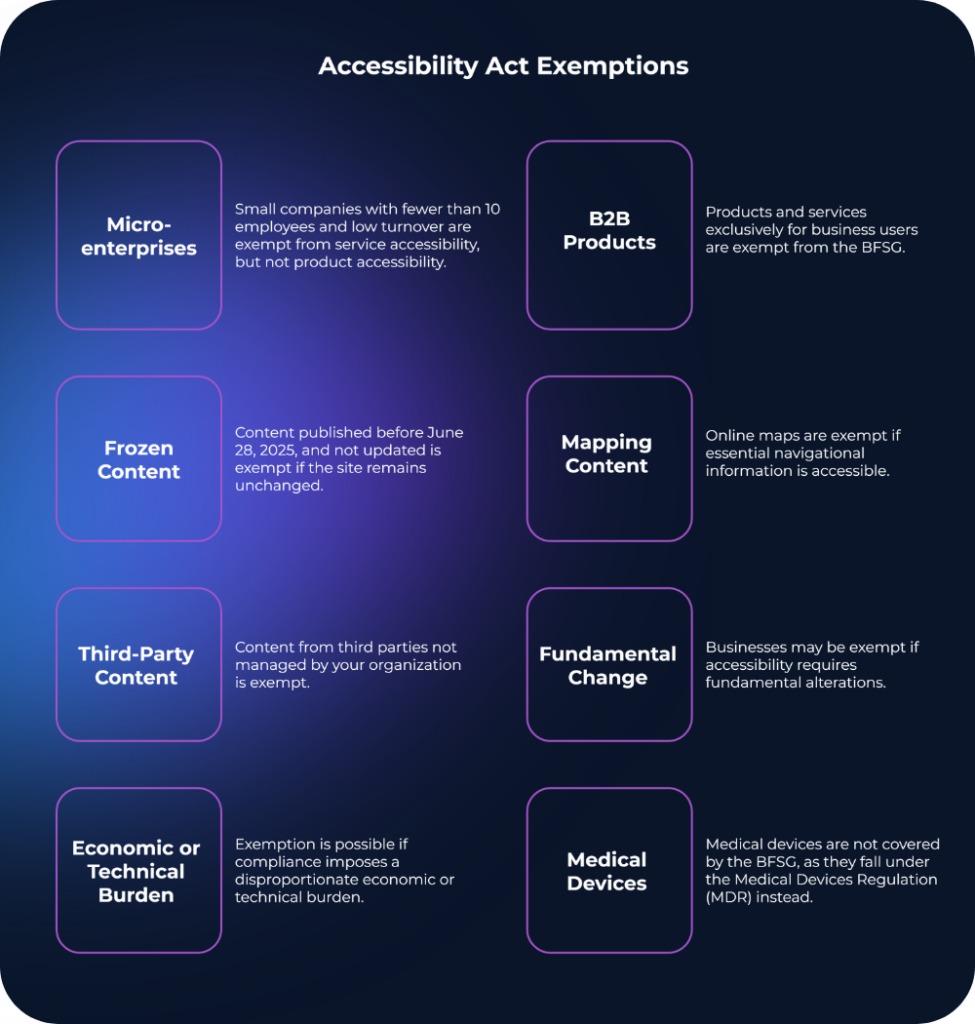
With laws like the European Accessibility Act (EAA) coming into effect and GDPR continuing to guide how organisations handle personal data, it’s important to build compliance and accessibility into the early stages of migration – not treat them as late-stage checks.
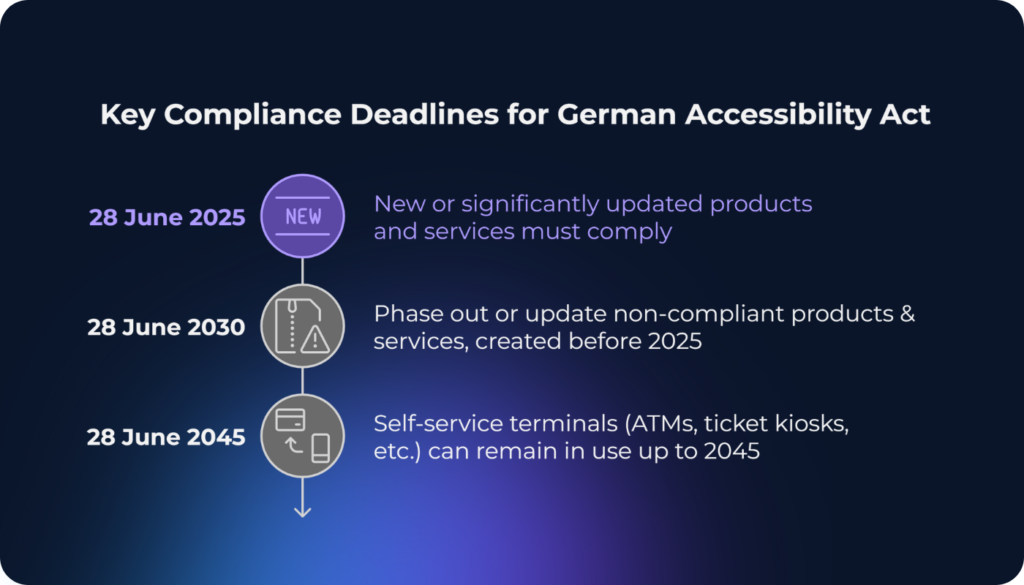
Our advice: think about accessibility from the early stage of migration, especially now with EAA went life on June 28, 2025. Otherwise, you put the company into a risk to pay twice.
Migration from older CCM platforms such as DOPiX, Assentis or StreamServe is an opportunity to assess whether current templates and output processes can reliably produce accessible documents. Older on-premises implementations may require template redesign, platform upgrades or additional remediation tools rather than a direct one-to-one migration.
From the start of your CCM data migration, consider:
- Accessible formats (PDF/UA, HTML)
- Built-in legal reviews
- Trackable approvals and audit logs
The best time to embed accessibility and compliance is before anything goes live. Doing it early is faster, cheaper, and far less disruptive than applying fixes under pressure later.
5. Migrate in Phases
Trying to migrate everything at once often leads to stress, confusion and, in reality, avoidable mistakes. A phased rollout is more practical and far less risky.
Our advice: Start small, choose channel, team, or type of communication, for example, onboarding emails or monthly invoices. Use that first rollout to test templates, workflows, integrations, and output quality in a real-world setting. The feedback you gather will shape how you scale, helping you avoid errors before they reach a wider audience.
Running the legacy and new systems in parallel for a short period also builds confidence. It allows teams to compare outputs, validate compliance and flag edge cases before anything is switched off for good.
6. Make CCM Migration a Team Effort
Customer communication touches nearly every part of the business:
- Marketing (tone of voice, branding)
- Operational (document workflows, SLAs, and service delivery timelines)
- Legal (approvals, disclaimers, regulatory compliance)
- Customer experience (usability, accessibility, clarity)
For example, this could mean involving CX and legal in defining template requirements, or having marketing validate tone before rollout, not after.
Our advice: bring the right voices in early, things click into place faster, and the end result isn’t just functional, it actually works for everyone. That’s why migration from obsolete platforms and systems needs to be planned and executed as a joint effort, not something handed off to IT in isolation. Clear roles, open communication and shared ownership are what turn a tech project into a successful business change.
Cross-functional planning ensures that your migration from legacy CCM aligns with your customer journey and brand.
Your CCM Migration. Phased, predictable and optimised
With the right focus, it becomes a chance to simplify, modernise and build a stronger foundation for how your organisation communicates – inside and out. Planned well and done wisely, CCM migration is more than a technical upgrade. It’s a real opportunity to streamline operations, reduce risk and deliver communications that make sense for legal, operational CX teams and valued by your customers.
A successful CCM migration starts with understanding what should be migrated, redesigned, consolidated or retired.
Explore how Quertum approaches migrations from platforms such as StreamServe, DOPiX, Assentis, HP Exstream and other legacy CCM systems, covering discovery, template rebuilding, integration, testing and phased cutover.